Phoenix 는 Elixir 를 위한 웹 개발 프레임워크이다. 피닉스 가이드 문서를 따라서 간단하게 피닉스 웹 서버를 띄운다.
설치
Elixir 설치
brew install elixir
다른 플랫폼의 경우 https://elixir-lang.org/install.html 참조
Hex 설치
Elixir 설치가 처음이면 Hex 설치가 필요하다. Hex 는 Erlang 에코시스템의 패키지 매니저이다.
mix local.hex
mix 는 Elixir 의 빌드 도구이다.
Mix is a build tool that ships with Elixir that provides tasks for creating, compiling, testing your application, managing its dependencies and much more
Phoenix 생성기 설치
Phoenix 프로젝트를 생성하기 위해 다음의 명령 실행. Phoenix 생성기를 설치한다.
mix archive.install hex phx_new
프로젝트 생성
hello 라는 이름의 Phoenix 프로젝트를 만든다.
mix phx.new hello
데이터베이스를 사용하지 않을 것이라면 –no-ecto 옵션을 추가한다. Ecto 는 Elixir 를 위한 데이터베이스 래퍼와 쿼리 생성기이다.
Fetch and instll dependencies? 를 Y 로 넘어가면 다음과 같은 결과를 얻을 수 있다.
Fetch and install dependencies? [Yn] Y

* running mix deps.get
* running mix deps.compile

We are almost there! The following steps are missing:

    $ cd hello

Then configure your database in config/dev.exs and run:

    $ mix ecto.create

Start your Phoenix app with:

    $ mix phx.server

You can also run your app inside IEx (Interactive Elixir) as:

    $ iex -S mix phx.server
프로젝트 폴더로 이동 한 다음 ecto 설정을 실행한다.
cd hello
mix ecto.create
ecto 명령어 실행 중 에러가 발생하면 다음 문서를 참고한다.
postgresql 을 처음 설치했다면 role 이 없어서 오류가 발생한다. psql 에서 다음 명령어를 실행한다.
=# CREATE ROLE postgres LOGIN CREATEDB;
실행
모두 완료가 되었다면 Phoenix 서버를 실행한다.
mix phx.server
[info] Running HelloWeb.Endpoint with cowboy 2.9.0 at 127.0.0.1:4000 (http)
[info] Access HelloWeb.Endpoint at http://localhost:4000
위와 같은 로그를 확인했다면 127.0.0.1:4000 에서 첫 화면을 확인.
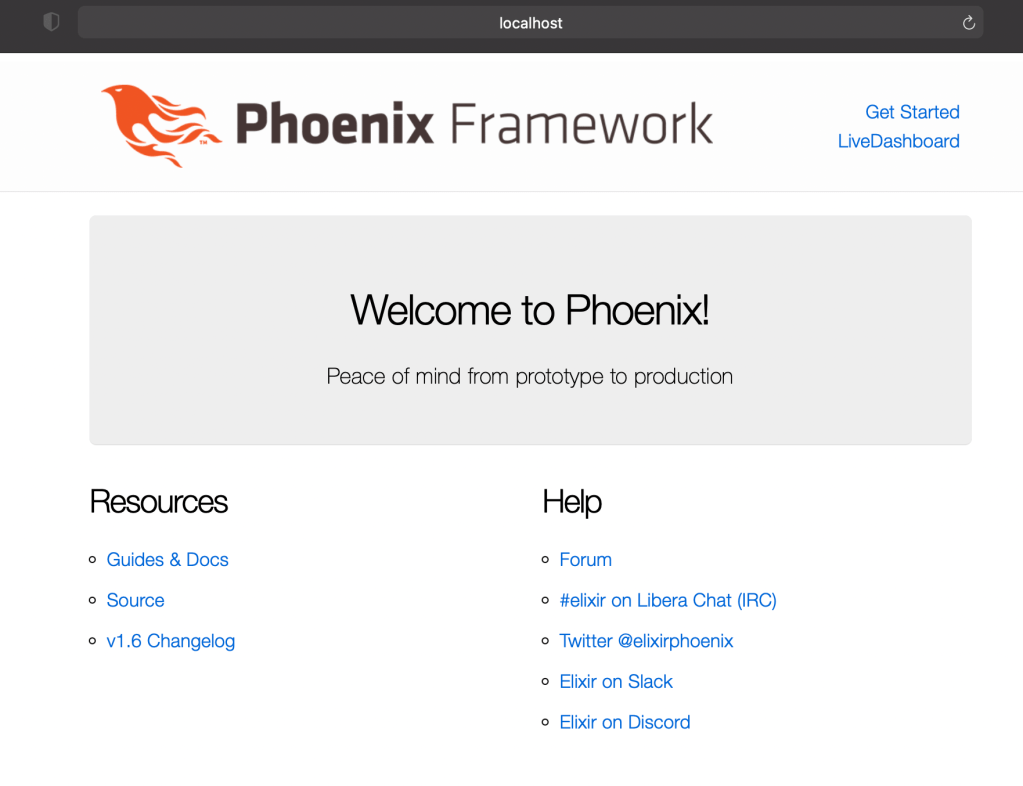
완료!
